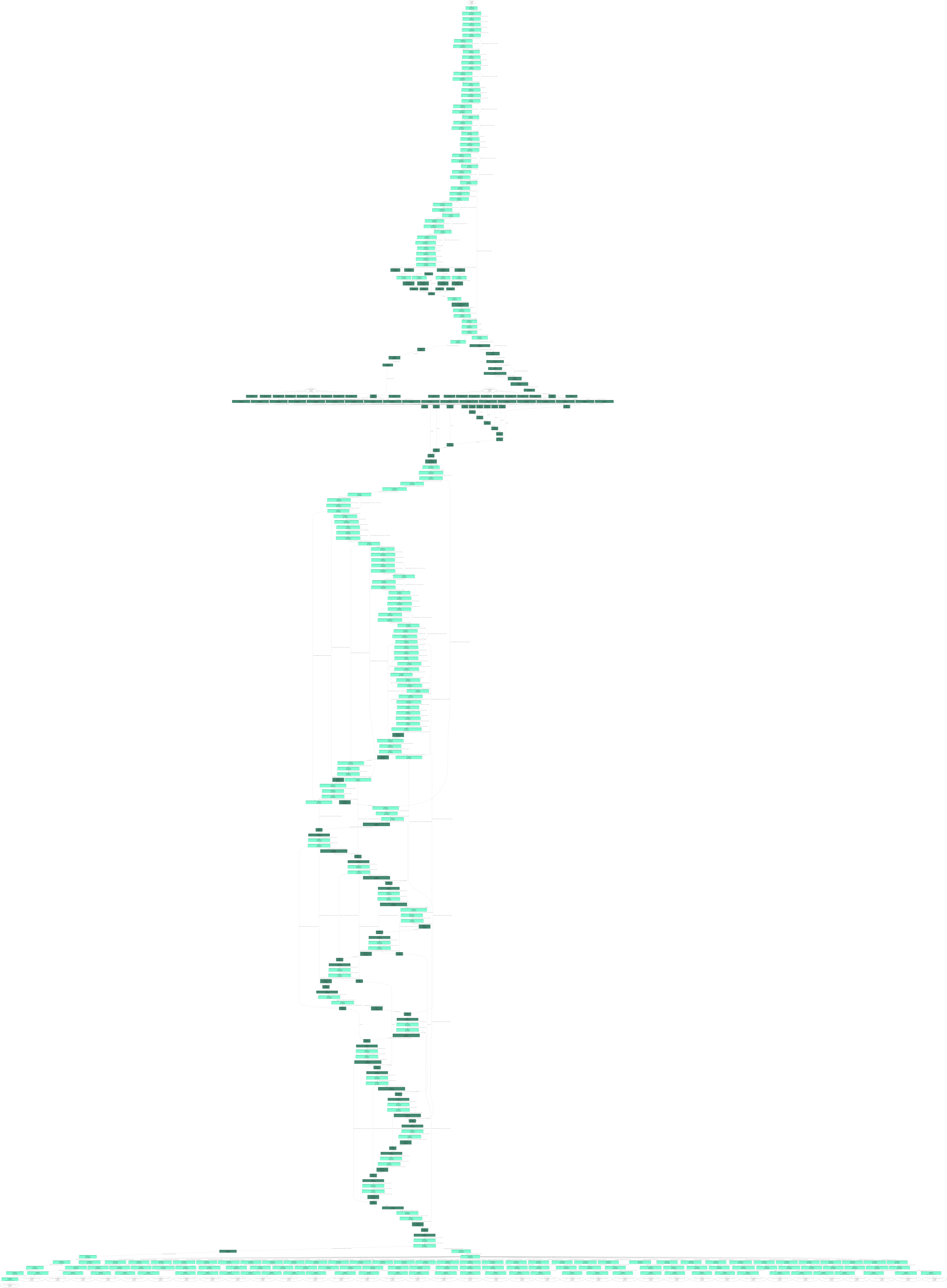
The model structure of the horizon part of the reference algorithm is relatively complex, and the OE package does not provide a special visualization script, which causes problems for some developers who want to visualize the model structure. Horizon’s QAT Plugin provides the model visualization interface ‘visualize_model’, this article will implement the visualization of the reference algorithm model structure based on the compilation script tool/compile_perf.py.
Below is a brief introduction to the ‘visualize_model’ interface in the Horizon Toolchain manual.
[Example of visualize_model interface:]
This article uses the bev_mt_lss reference algorithm as an example to show how to visualize the pattern structure:
compile_perf.py script modification
在OE包horizon_model_train_sample/scripts/tools/compile_perf.pyAdd the visualize_model interface to the script as follows:
python3 tools/compile_perf.py --config ./configs/bev/bev_mt_lss_efficientnetb0_nuscenes.py --out-dir ./ --opt 0
compile_perf.py script runs
Note: 1. from horizon_plugin_pytorch.quantization import visualize_model; 2. You can modify save_path to configure the visual image storage path.
Visualize the result